
Entry draft
¥0.33
5s · 480p
WAN SUPPORTED AUDIO DRAFT ROUTE
Audio-ready 5-10s clips for text or image starts, prompt expansion, and 480p to 1080p checks.
Use Wan 2.5 when you need the supported older Wan route for short audio-ready tests: text-to-video, image-to-video, optional soundtrack upload, prompt expansion, seed control and lower-resolution draft passes.
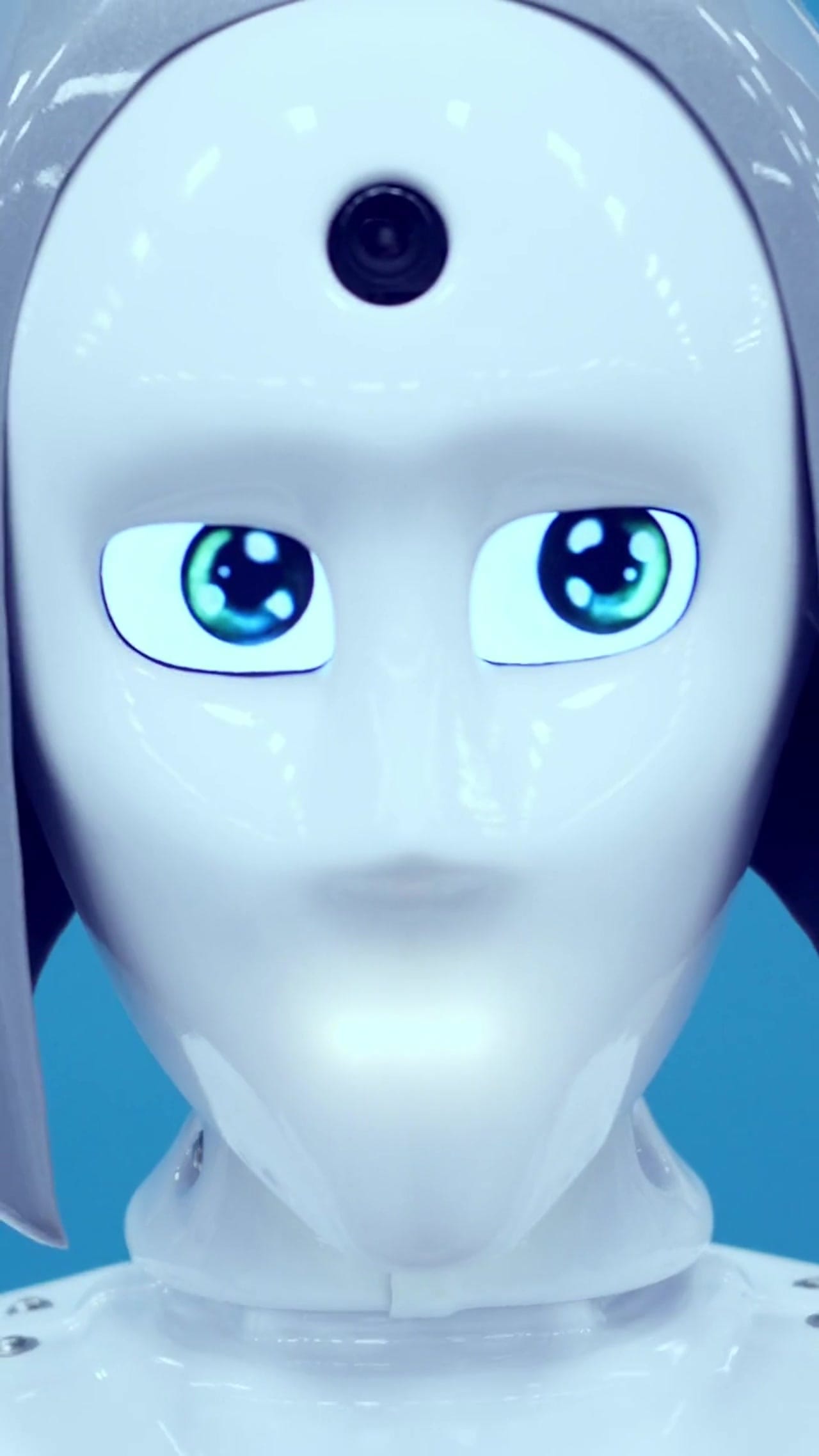
Wan 2.5 example
Short audio-ready draft clip
Audio-ready tests
Use native sound or attach a short WAV/MP3 track when timing matters.
Text or image start
Generate from a prompt or one source image for quick motion checks.
480p to 1080p
Pick lower-cost draft resolution or 1080p when the shot needs more detail.
Prompt expansion
Use expansion when a simple brief needs more visual detail.
Max 10s
Keep Wan 2.5 focused on short single-beat or two-beat clips.
Pay-as-you-go
See exact live price before you generate.
Preset short-clip totals - see the exact live price in the app before you generate.
¥0.33
5s · 480p
¥1.30
10s · 720p
¥1.95
Most popular10s · 1080p
10s
Up to 1080p
All prices are SANAI display prices in USD credits for preset scenarios.
Clips generated with the exact configuration you have access to in SANAI.
See what's possible with Wan 2.5 鈥?Text or Image to Video with Optional Audio in SANAI (480p鈥?080p, 5鈥?0s).
Jump into the app with one click and reuse the setup.
Dialogue, ambience and SFX generated in sync.
Keep characters, style and scene consistency across sequences.
Built-in guardrails and safety filters for responsible review.
Use Wan 2.5 for short audio-ready checks and lower-resolution drafts. Use Wan 2.6 when you need 15s, multi-shot or reference-video guidance.
Attach a short audio file when rhythm or mood should guide the clip, then keep the visual prompt simple.
Compare Wan 2.5 with Sora 2 when you are choosing between lower-cost checks and Sora-style synced outputs.
Wan 2.5 works best with a single clear action and a short, concrete prompt.
Source: Wan AI
Describe one subject, one action, one camera move and one sound direction.
Use a single image to hold framing, product shape or character identity.
Attach a short soundtrack when rhythm, ambience or mood should drive the take.
Turn expansion on for sparse briefs; turn it off when every visual detail is deliberate.
Move to Wan 2.6 for longer clips, multi-shot plans or reference-video consistency.
Use 1鈥? sentences when you want variations.
[Subject] [action] in [scene], [camera move], [lighting/style], [optional sound cue].
Negative: [text, logos, extra people, blur]
[Subject] [action] in [scene], [camera move], [lighting/style], [optional sound cue]. Negative: [text, logos, extra people, blur]
Subject: Fitness smartwatch on a runner’s wrist • Action: Shot follows the run and beat changes of the track
Camera: Close-up, then synchronized pull-back • Style: Vertical product sport story, rain and music energy
Audio: Energetic electronic track
Subject: Fitness smartwatch on a runner’s wrist
Action: Shot follows the run and beat changes of the track
Camera: Close-up, then synchronized pull-back
Style: Vertical product sport story, rain and music energy
Audio: Energetic electronic track
Wan 2.5 works best for short, sound-led beats 鈥?keep the visual brief simple and let timing come from the audio.
These side-by-side comparisons break down price, resolution, audio, speed, and motion style so you can pick the right engine fast.
Each page includes real outputs and practical best-use cases.
Generate 5鈥?5s cinematic clips with Wan 2.6 inside SANAI. Use multi-shot text prompts, animate a still image, or keep subject consistency with 1鈥? reference videos. 720p/1080p, per-second pricing.
Compare Wan 2.5 鈥?Text or Image to Video with Optional Audio in SANAI (480p鈥?080p, 5鈥?0s) vs Wan 2.6 Text & Image to Video →Route cinematic Kling 2.5 Turbo shots through SANAI with instant switching between Pro text, Pro image, and Standard budget tiers.
Compare Wan 2.5 鈥?Text or Image to Video with Optional Audio in SANAI (480p鈥?080p, 5鈥?0s) vs Kling 2.5 Turbo →Generate cinematic AI videos with Kling 2.6 Pro. Text and image to video with fluid motion, rich details, and native audio, ideal for social content, ads, and storytelling.
Compare Wan 2.5 鈥?Text or Image to Video with Optional Audio in SANAI (480p鈥?080p, 5鈥?0s) vs Kling 2.6 Pro →The limits that shape your renders.
Designed for sound-led clips where timing matters. Use it to sync visuals to music or voiceover.
Structured direction yields more reliable results than long prose. Keep instructions clear and sequential.
Built-in safeguards and best practices for responsible creation with Wan 2.5 鈥?Text or Image to Video with Optional Audio in SANAI (480p鈥?080p, 5鈥?0s).
Yes. If you don鈥檛 upload a track, Wan generates native audio. If you upload WAV/MP3, your track is trimmed/looped to 5 or 10 seconds and used as the main audio.
480p/5s for fastest look-dev; 720p/5鈥?0s for internal reviews and social; 1080p/10s for hero beats and client-ready shots.
Yes. Choose 16:9, 9:16 or 1:1 before rendering; 9:16 is best for mobile-first placements.
Yes. Upload one still (portrait, product, concept art) and focus the prompt on motion, camera and audio.
Per-second by resolution (0.05/0.10/0.15 $/s). It鈥檚 mid-tier: cheaper than premium long-form, more capable than ultra-budget silent engines.