

Reference-first workflows
How to build reusable character references, start frames, and still assets before moving into edits or video.
Creation Blog
Practical guides for Seedance video, GPT Image 2, reference workflows, pricing, and reliable production habits.
Recent postsHow to build reusable character references, start frames, and still assets before moving into edits or video.
Practical breakdowns for Character Builder, Angle, and the workflows that turn one approved image into more usable outputs.
When to use Seedance 2.0 Max, Fast, or Mini, and how GPT Image 2 fits into a reference-first workflow.
Featured story
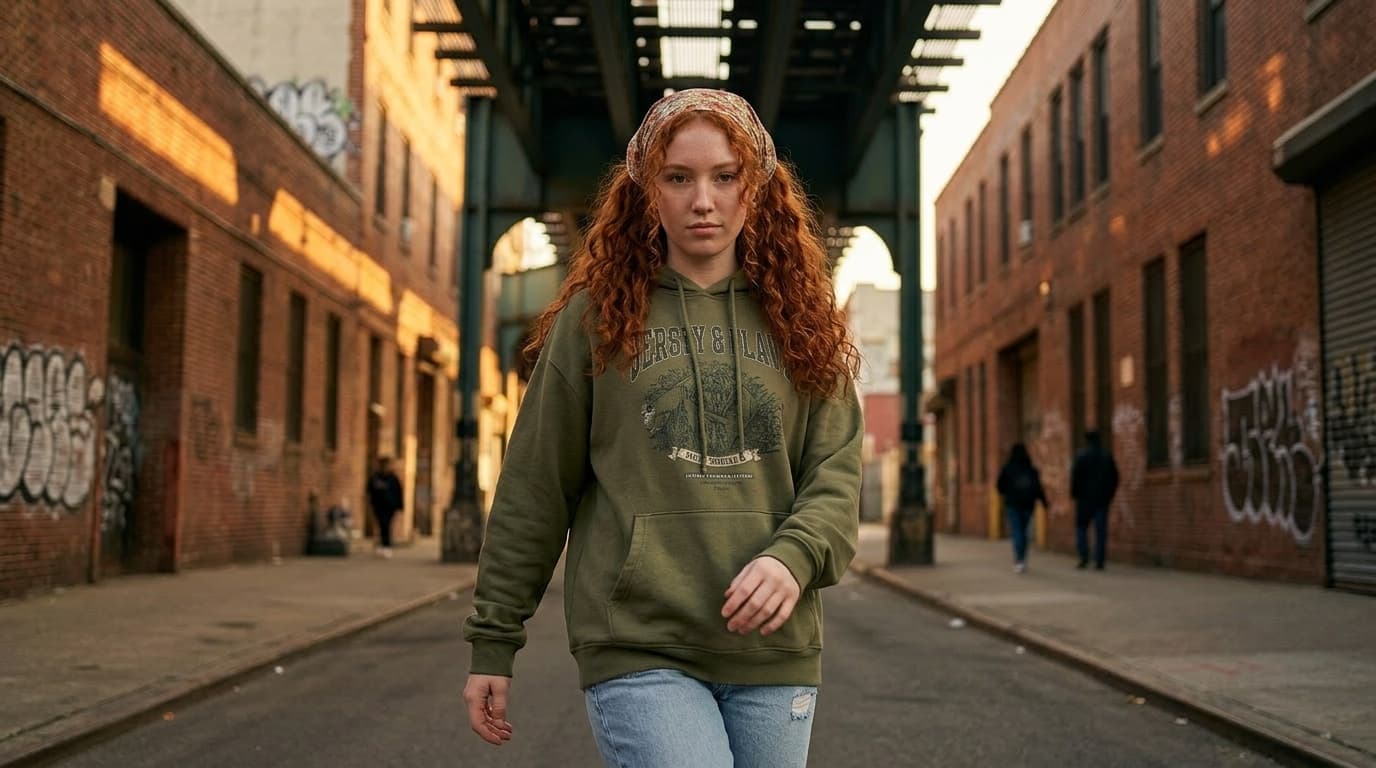
A practical workflow for building one reusable character reference before you move into prompts, scene variations, edits, and still-reference video.
Recent posts

Learn when to fix a viewpoint with AI instead of regenerating the whole image, and how to turn that better angle into a stronger still for video.
Read more
Learn what makes an 8-panel AI character sheet reusable, when to choose it over a portrait anchor, and how to judge whether a sheet is strong enough to carry full-body continuity.
Read more
A practical guide to exploring several viable viewpoints from one working still for storyboards, product shots, ads, and first-frame planning.
Read more
A complete guide to understanding the strengths of Sora, Veo, and Pika 鈥?and how to test them side by side with SANAI.
Read more
Explore Sora 2鈥檚 capabilities and learn how to access it via SANAI鈥檚 API integration.
Read more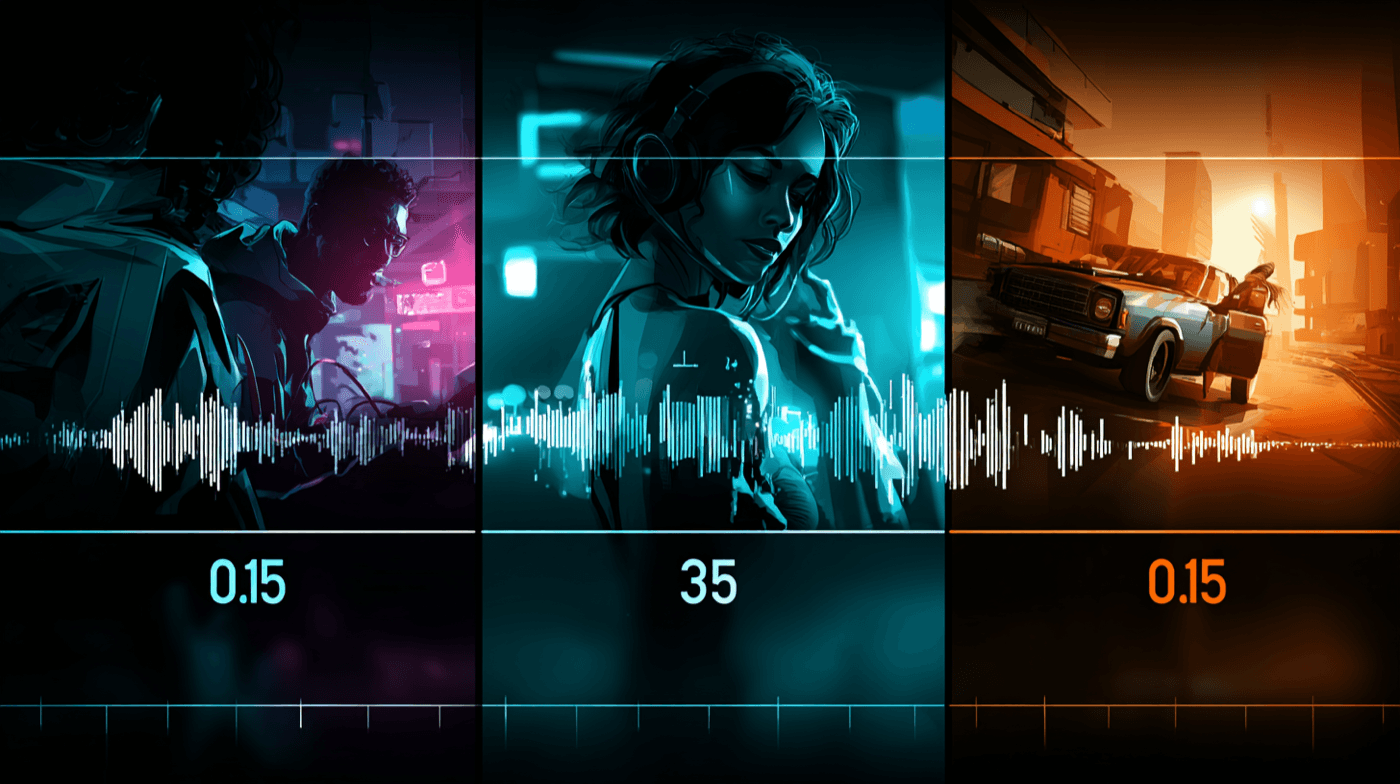
Learn how to write sequenced Sora 2 and Sora 2 Pro prompts with sound and branding. Step-by-step timeline examples, prompt templates and workflows using SANAI.
Read more
Direct Veo 3 shots like a filmmaker thanks to framing presets, motion cues, and Dolby Vision previews in SANAI.
Read moreFAQ
Need more detail? Email press [at] maxvideo.ai with your request and we’ll route it to the right producer.