
Generate AI videos in one workspace.
Write the shot, preview real outputs, see the price before you generate, and handle generation, review, and download in one place.
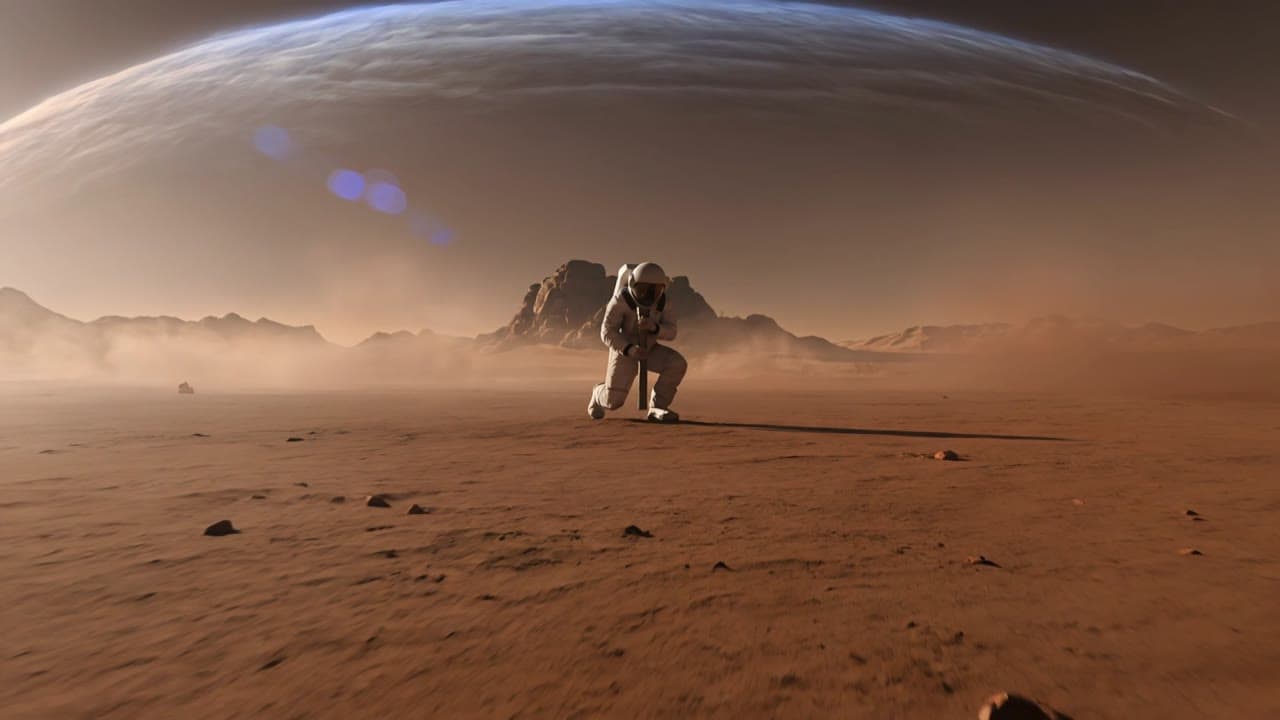
0:00 / 0:12
16:9

Work from prompt to finished video.
Start with a text prompt or still image, add references when needed, check settings and price, then review and download in the same workspace.
Start from text or image
Write the shot or upload a still before generation.
Add references when needed
Keep character, product, or framing grounded with optional references.
Set duration, ratio, and price
Adjust the run settings and see the cost update before you render.
Generate, review, and download
Track outputs, compare takes, and save the best result without leaving the workspace.
Everything stays connected while you work.
Prompting, settings, pricing, saved assets, and output review all stay in one workspace from first test to final download.
Ready now
Generate, review, and manage results in the live product — not a waitlist or mockup.
Price before render
See the estimated cost before each run.
Saved assets
Reuse source images and past outputs from your library.
Review & deliver
Compare takes, open job history, and download the final output in one place.
Use one workspace to generate videos, manage credits, and keep moving from first pass to final delivery.
AI video generator basics
MaxVideoAI is a pay-as-you-go AI video workspace for generating videos from text prompts or still images, with pricing visible before every run and saved assets ready to reuse.
Text-to-video
Generate scenes from prompts.
Image-to-video
Animate a still image.
AI video workspace FAQ
Short answers for creating, pricing, and reusing work inside one AI video workspace.
How do I make AI-generated videos here?
Start with a text prompt or an image, set the shot, review the estimated price before each run, and generate your first pass inside the workspace.
Can I generate AI videos from an image?
Yes. Image-to-video is available for turning a still frame, product photo, or character reference into motion while keeping the composition grounded.
Can I generate images too?
Yes. Use the image workspace to create source stills before you move into video.
Can I reuse generated assets later?
Yes. Save images and videos to your library so you can reopen, reuse, and build on them later.
How much does AI video generation cost?
The cost depends on the engine, duration, resolution, and mode. MaxVideoAI shows the estimated price before each run so you can decide before spending credits.
Is there a pay-as-you-go AI video generator?
Yes. MaxVideoAI uses pay-as-you-go credits instead of a subscription, and failed generations are refunded automatically.