2K image
¥0.10
Single generated still
REFERENCE IMAGE PREP MODEL
Clean still references, product frames, and video reference prep before you animate in a separate model.
Use Seedream as an image generation and editing workspace for source stills: create product frames, character references, ad visuals and controlled image sets before sending the strongest assets to a video model.
 Image model
Seedream reference example
Still reference prepared for later animation
Still reference prep
Create clean source images before handing assets to a video route.
Text or image input
Start from a prompt or edit with uploaded reference images.
Up to 10 references
Guide edits with multiple source images when details need tighter control.
2K or 4K images
Prepare higher-resolution stills for product, character and layout review.
Up to 4 outputs
Generate up to 4 stills per request on the current Seedream route.
Per-image pricing
Image presets use the shared pricing helper, not video seconds.
Per-image preset totals - see the exact live price in the image workspace before you generate.
¥0.10
Single generated still
¥0.20
Most popularHigh-resolution still
¥0.40
4 generated images · US$0.10/image
All prices are SANAI display prices in USD credits for preset image scenarios.
Explore real community outputs and see how Seedream 5.0 performs inside MaxVideoAI workflows.
Prompt patterns tailored to Seedream 5.0.
Exact copy, hierarchy and placement stay explicit.
Keep product identity, palette, layout or style.
Validate at 2K, then finish at 4K.
Owned references and built-in guardrails.
Choose Seedream when the next video pass needs cleaner product, character, style or composition references first.
Generate stills with readable labels, clean backgrounds and stable framing before using them as source assets elsewhere.
Seedream prepares the stills. Pick a video model after the reference set is ready.
Write the still image as if it were the first frame of a shot: subject, composition, lighting, and constraints first.
Describe the exact product, character, scene, surface, lens and lighting for a clean source frame.
Upload source images when the output must preserve identity, product geometry or brand details.
Create multiple stills for front, side, detail and lifestyle views before the video step.
Use 2K for faster prep, or 4K when the still needs extra detail.
Send only the strongest stills into the chosen motion model once the visual direction is clear.
Seedream prompts for product stills, character reference sheets, image edits and storyboard batches.
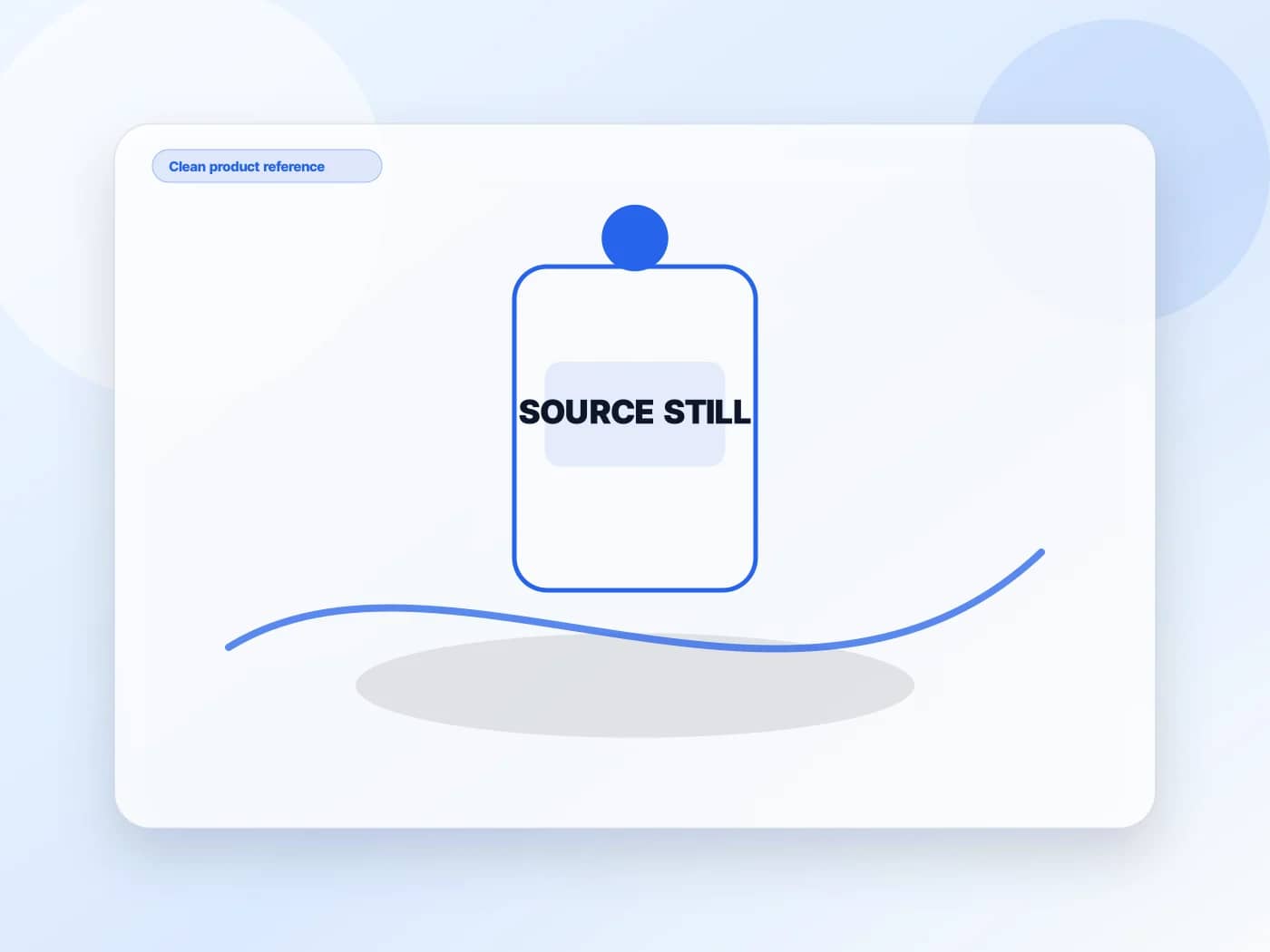
2K product still of an amber perfume bottle on white acrylic, soft studio light, clean shadow, readable label, minimal background ready for reference use.
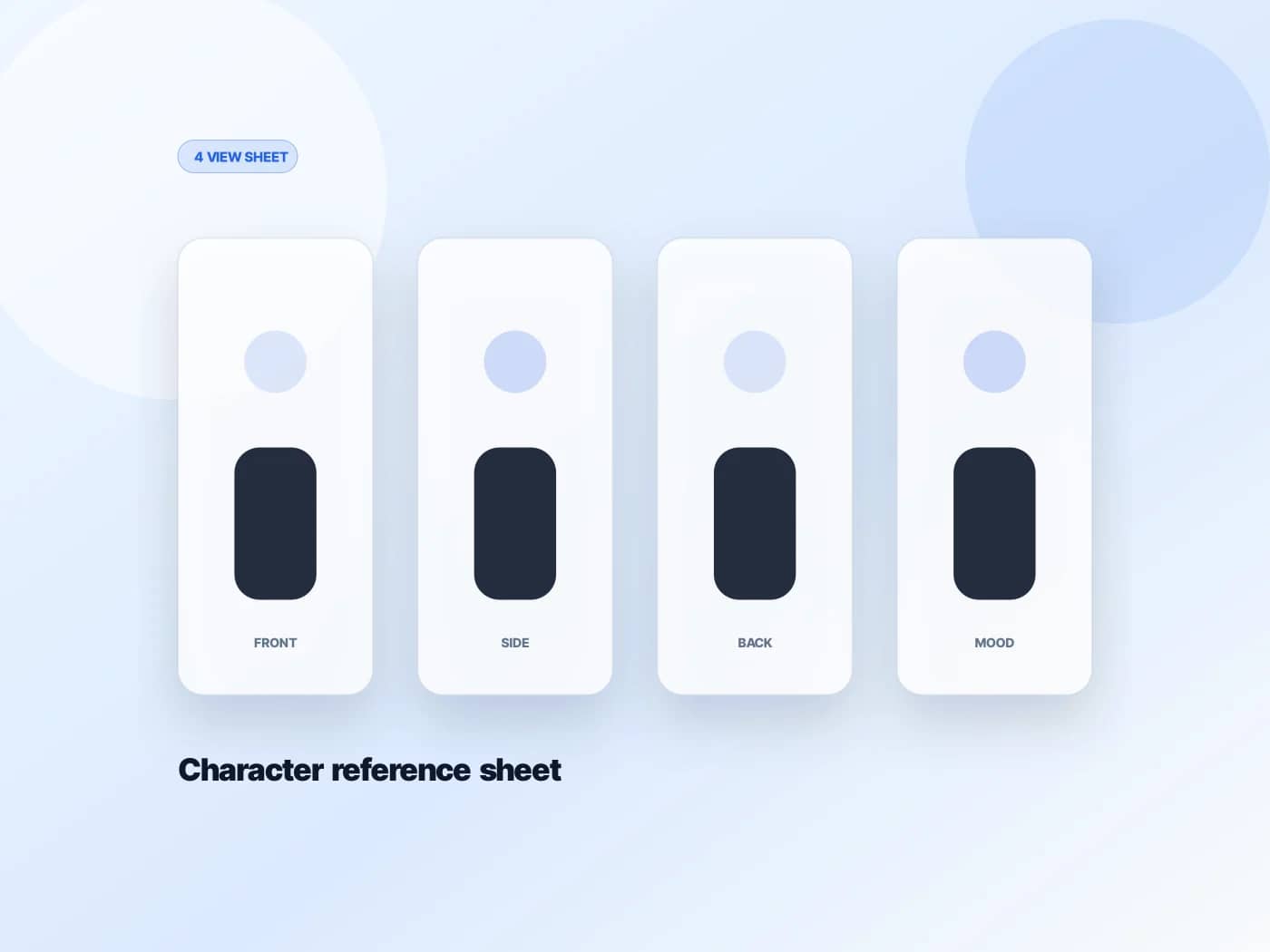
Character reference sheet with the same face, outfit and palette across four clean views, neutral background, consistent jacket details and accessories.
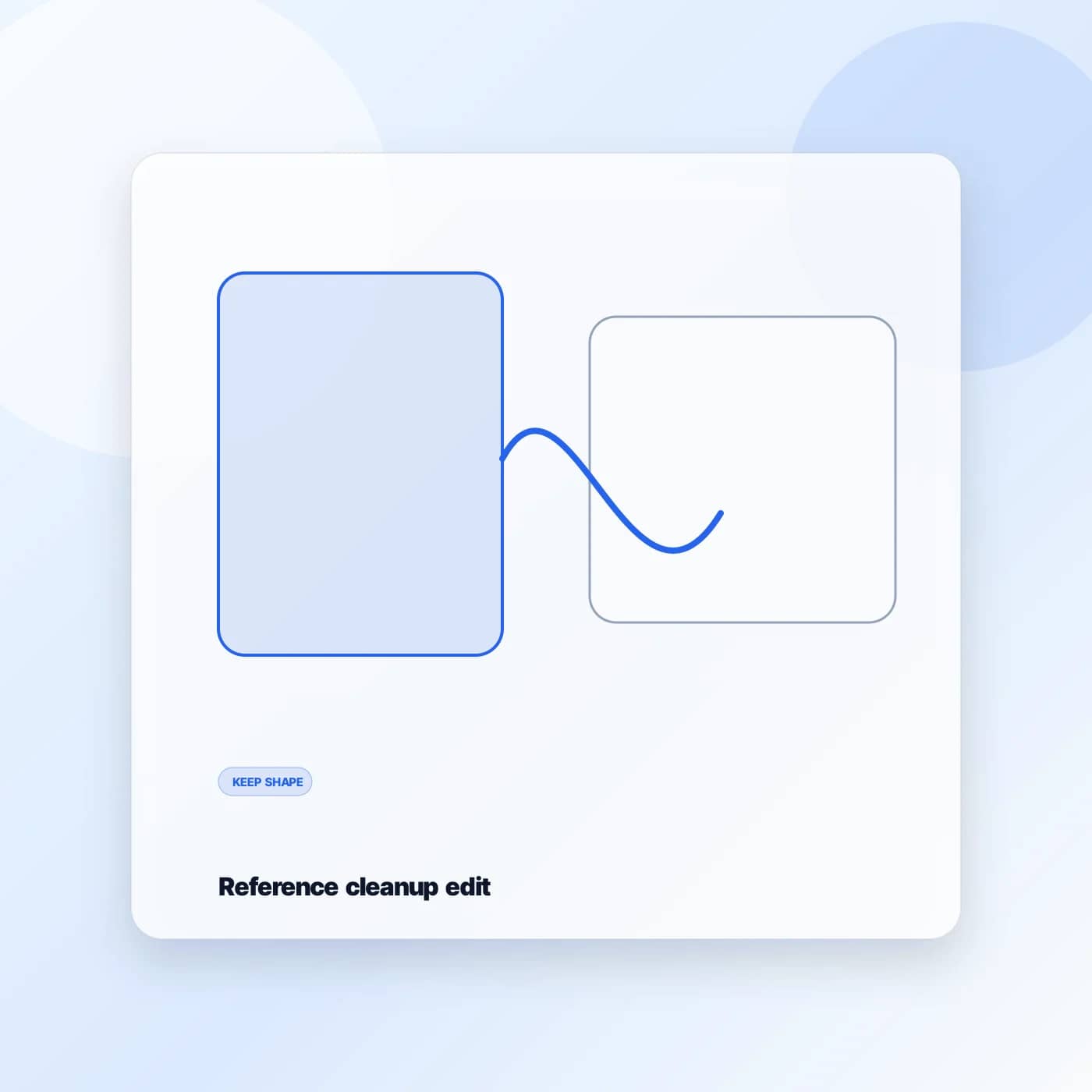
Using this product image, preserve shape, logo and proportions. Clean dust and unwanted reflections, simplify the environment and keep natural lighting.
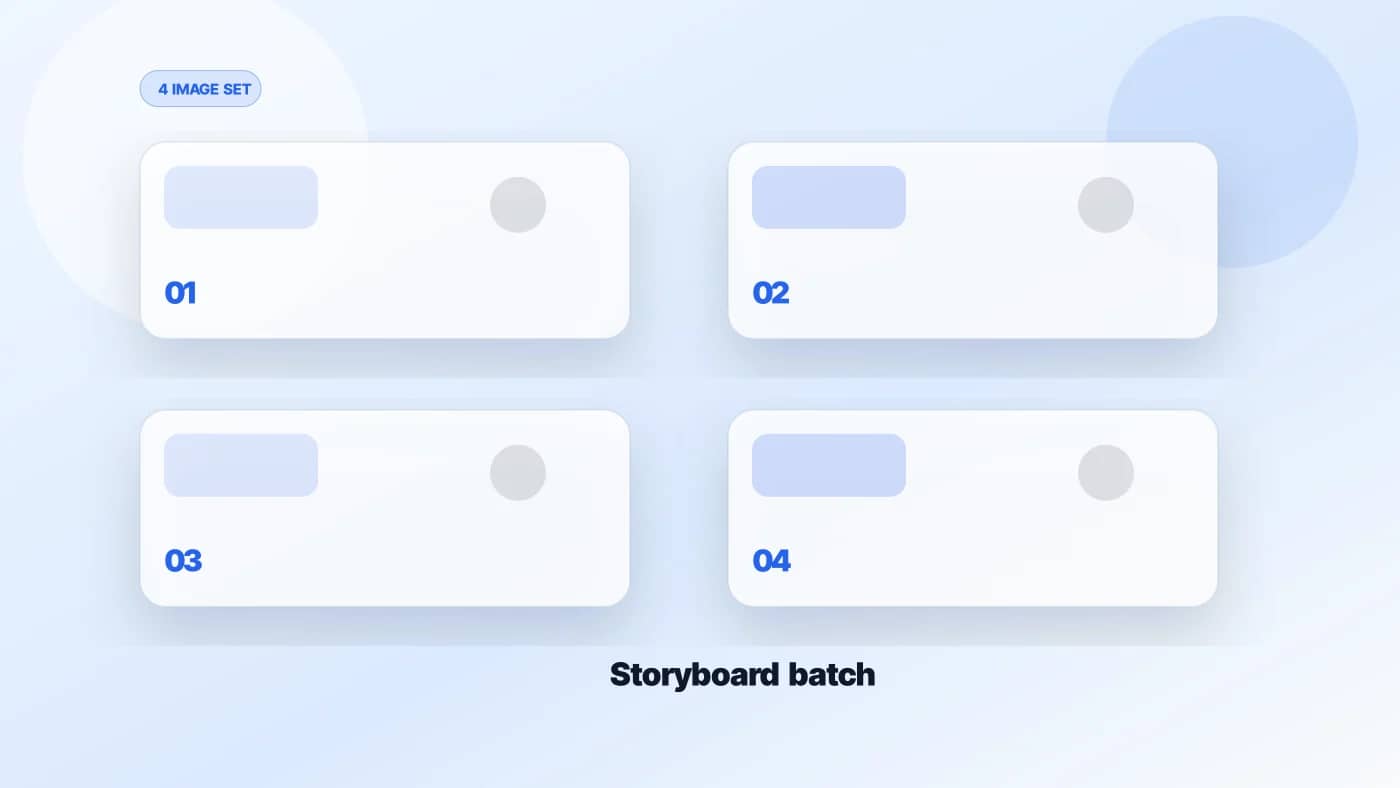
Create four coherent launch storyboard images: product hero, material detail, lifestyle context and final frame. Same palette, same lighting, distinct compositions.
Treat Seedream as the still-image craft step. It can produce better source material, but it does not replace downstream prompt and policy checks.
The limits that shape your renders.
Use Seedream 5.0 for text, single-image, and multi-image workflows inside the SANAI Image Lab.
Built-in safeguards and best practices for responsible creation with Seedream 5.0 - image generation and editing.
Seedream 5.0 is an image generation and editing model available in SANAI for still-image creation and reference preparation.
Seedream is a recommended reference-image companion before Seedance 2.0. Create or clean a still image first, then use the selected frame as a stronger starting point for a later video pass.
Yes. The current public route supports up to 4 generated images per request, which is useful for product variants, storyboard frames, and reference exploration.
No. Seedream can help create cleaner source images, but downstream video generation still evaluates each prompt and source image under its own workflow and safety rules.